RoStack 0.1.3 Beta: Windows, and two new plans
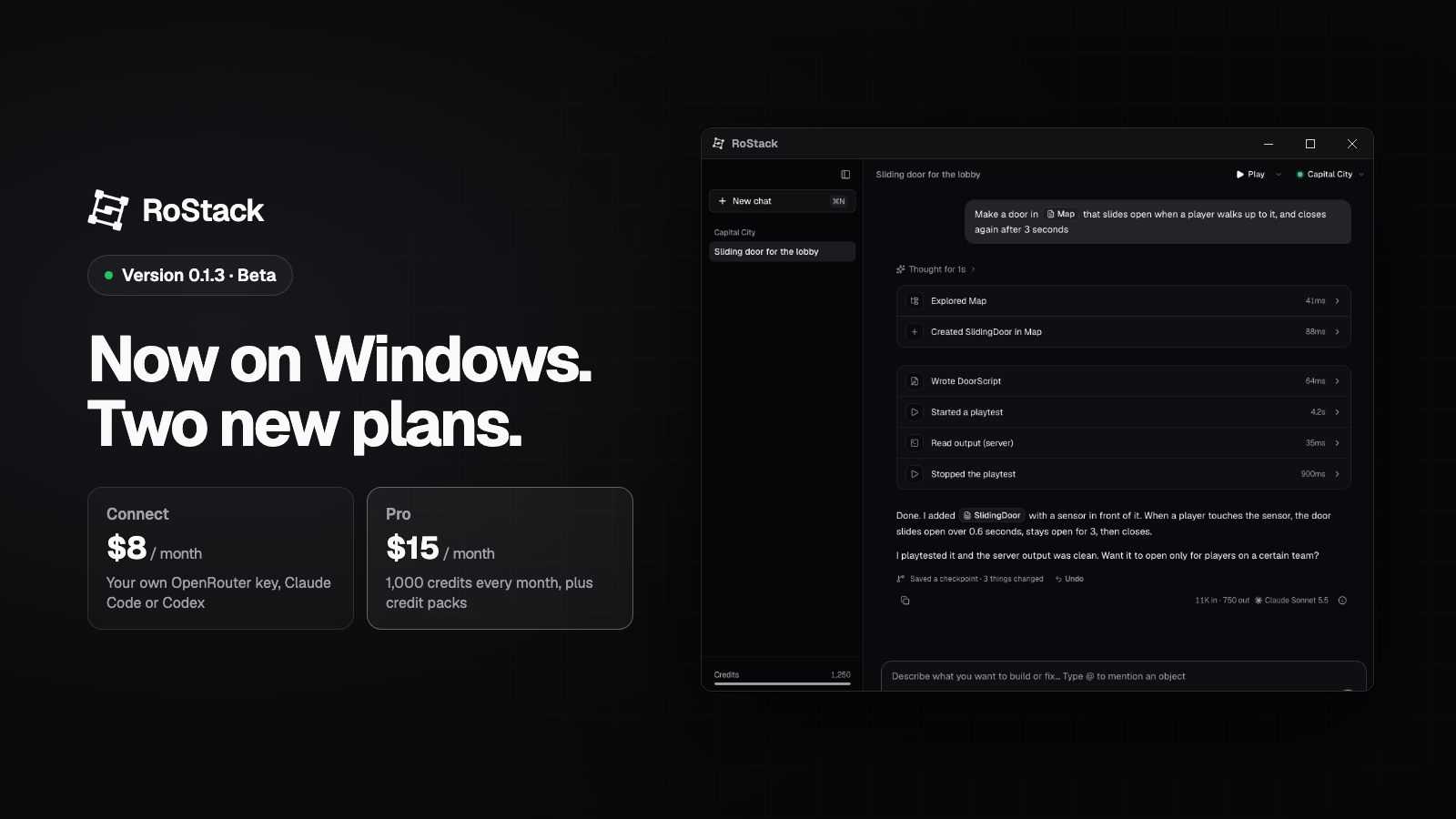
RoStack 0.1.3 Beta brings two big changes: the app now runs on Windows, and you can choose between two plans depending on how you want to pay for AI.
RoStack for Windows
RoStack now runs on Windows as well as Mac. It's the same app: the agent works directly inside Roblox Studio, every change can be undone from History, and it playtests its own work and fixes the errors it finds.
- Works on: Windows 10 or 11, 64-bit (Intel, AMD and Arm). One installer covers all of them.
- Everything carries over: your account, plan and credits work the same on both. Sign in and you're set.
- Updates itself: like the Mac app, RoStack keeps itself up to date.
- It's a Beta: if something doesn't work right on your PC, let us know and we'll fix it quickly.
Opening it for the first time: if Windows says it protected your PC, click More info, then Run anyway. You only need to do this once.
Two plans: Connect and Pro
Some of you already pay for AI. Others want RoStack to handle it. There's now a plan for each.
Connect, $8 a month
- The full RoStack app and the Roblox Studio plugin
- Use your own OpenRouter key, or your Claude Code or Codex subscription
- Web search included
Pro, $15 a month
- Everything in Connect
- 1,000 RoStack credits every month
- Buy credit packs whenever you need more
- Hand-picked models, from fast to the most capable
Pro is $7 more than Connect and comes with $10 of credits every month.
| Connect | Pro | |
|---|---|---|
| RoStack app and Studio plugin | ✓ | ✓ |
| Your own OpenRouter key, Claude Code or Codex | ✓ | ✓ |
| Web search | ✓ | ✓ |
| Monthly credits | – | 1,000 |
| Buy credit packs | – | ✓ |
Already subscribed?
You're now on Pro, and your price drops from $20 to $15 a month from your next renewal. You still get 1,000 credits every month. You don't need to do anything.
Switching plans
You can switch any time from Billing. Upgrades to Pro start right away. If you move from Pro to Connect, you keep Pro until the end of the period you've paid for. Credits you've bought are always yours, and they keep working on Connect until they run out.
Get started
- New to RoStack? Pick a plan and download the app.
- Already using it? The Mac app updates itself, and Windows users can download it now.
Questions? Open a ticket and we'll get back to you within a day.
Comments
No comments yet.