RoStack 0.1.7 Beta: Blender, uploads and your own tools
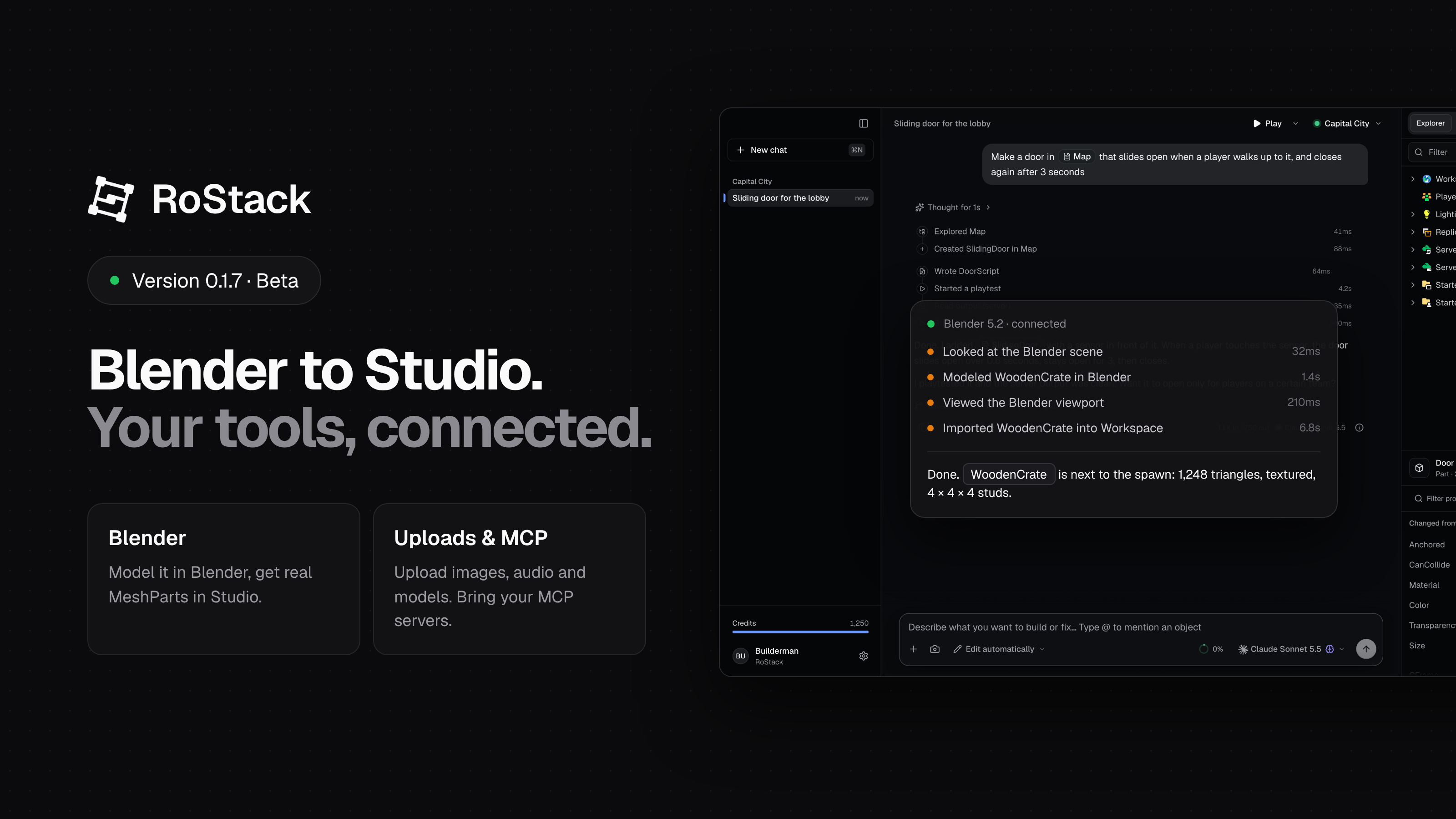
RoStack 0.1.7 Beta reaches beyond Studio. The AI can now work in Blender and bring what it makes into your game, upload images, audio and models to Roblox for you, and use tools from your own MCP servers.
Blender, connected
Install the RoStack add-on from Settings → Integrations → Blender (one click; Blender doesn't need to be open), then ask for what you want:
Model a wooden crate in Blender and put it next to the spawn.
- Build in Blender. RoStack can look at your Blender scene, see the viewport, and model, edit and texture objects there.
- Bring it into Studio. Imports arrive as real MeshParts, at the right Roblox size and the right way up, with their colours and textures. They're uploaded as your own assets, so they save with the place and show up in playtests.
- Animations, too. Animate a rig in Blender and RoStack turns it into a Roblox animation for the matching rig in Studio.
- Renders. Ask for a render from Blender's camera and it's saved to your RoStack folder.
The add-on keeps itself up to date: when RoStack has a newer version, it updates the add-on while Blender is open.
This release also fixes a few import problems we found: mirrored objects no longer come in inside out, modifiers like Mirror and Subdivision are kept, and imported models land where you asked instead of slightly off.
Uploads to Roblox
RoStack can now add images, sounds and 3D models to your Roblox inventory, for example a picture you drop into the chat to use as a decal. Turn it on under Settings → Integrations → Roblox Uploads by allowing uploads on your Roblox account. RoStack only asks for permission to upload assets, and you can turn it off at any time from your account page. Uploads always ask first, unless you're in full auto.
Your own tools, with MCP
If you use MCP servers with Claude Desktop, Claude Code or Cursor, you can bring them into RoStack. Open Settings → Integrations → MCP Servers to import your existing setup or add a server, and turn each one on or off. The AI can then use their tools alongside its Studio tools.
History, no setup needed
History (checkpoints you can undo) used to need Git installed on your computer. RoStack now includes everything it needs, so you can turn History on for a place straight away.
Clearer prices
- Exact charges: reply details show what each reply cost in RoStack Credits, to the hundredth, instead of rounding down.
- Live prices: the model picker shows each model's current price in credits.
Fixes
- Replies that stopped short: long replies could end suddenly, or come back empty after the AI thought for a while. RoStack now gives replies room to finish, and if one is still cut off, it carries on where it stopped.
- Mac: History works again on Macs where Git was installed but wouldn't run, and the app repairs the folder permissions that caused it.
- Uploads: your upload permission no longer switches itself off when two uploads start at once.
Get it
The app updates itself; you'll see 0.1.7 the next time it checks. New to RoStack? Pick a plan and download the app.
Questions or problems? Use Help → Report a Problem in the app, or open a ticket.
Comments
No comments yet.